
A modern trip can unravel in the space of ten silent seconds: airport Wi-Fi drops, the gate changes, your hotel address disappears with your signal, and the taxi driver asks a question you cannot translate. That is why the best travel apps 2026 travelers rely on are not flashy extras. They are the quiet systems that keep a real journey moving when you are tired, late, hungry, and staring at a street sign you cannot read.
Most people still download too many travel tools and use almost none of them well. The smartest travelers I know keep a small digital kit instead: one strong map, one strong translator, one solid itinerary manager, one reliable payment setup, one connectivity plan, and a few backups for the moments that usually go sideways. The best travel apps 2026 is not really a story about having more apps. It is about choosing the few that earn permanent space on your home screen.
When you land in a rainy city after midnight, the difference is immediate. Your phone becomes your station map, your train board, your phrasebook, your room key folder, your exchange-rate calculator, your restaurant scout, and your emergency contact sheet. Used well, it removes friction without flattening the romance of travel. You still get the hiss of espresso machines at a station bar in Milan, the metallic echo of rolling suitcases on tile in Madrid, the smell of sea salt at Piraeus before a ferry — you just reach those moments with less stress.
Best travel apps 2026: build a lean phone, not a crowded one
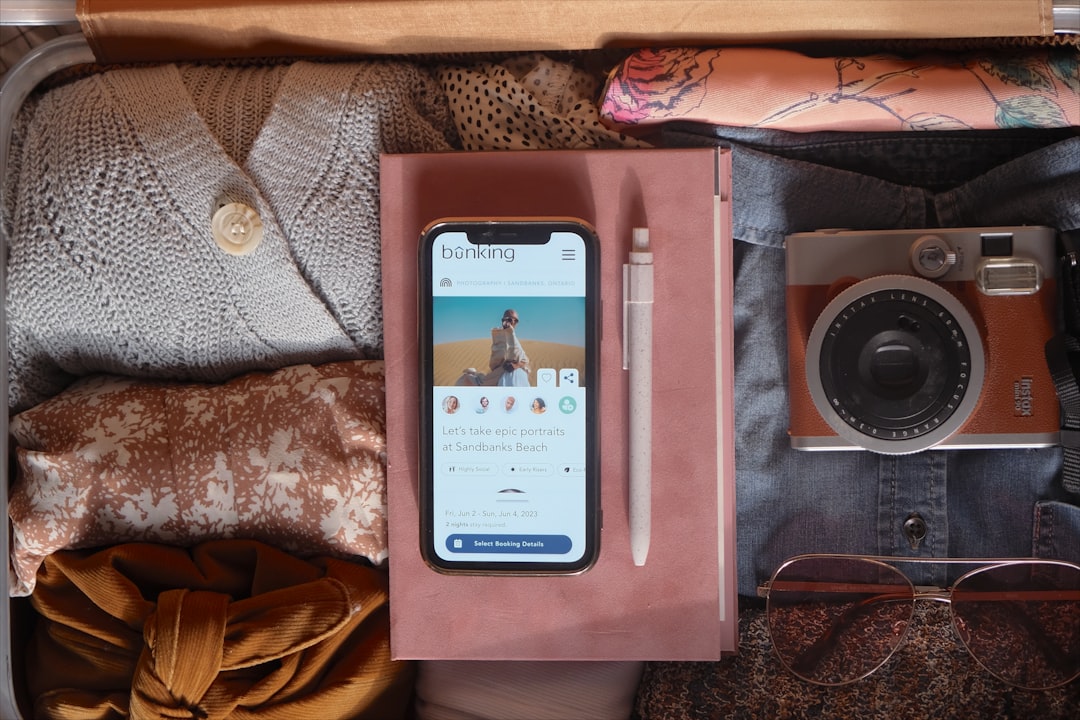
Photo by Paige Cody on Unsplash
The best version of your travel phone should feel like a well-packed day bag: everything has a purpose, nothing is duplicated, and you can reach the essentials half-awake. Too many travelers install five booking apps, four city guides, three translation tools, and then find themselves fumbling when the one thing they actually needed was an offline station map. The best travel apps 2026 are the ones that work quickly, store information offline, and solve a common problem better than your browser can.
I think about travel apps in layers. Layer one gets you from door to destination: maps, boarding passes, flight alerts, train tickets. Layer two keeps you functional on the ground: data, translation, payments. Layer three helps you actually enjoy the place: food, activities, neighborhood discovery, and smart hotel choices. If an app does not fit one of those layers, it is usually noise.
Here is the compact stack I would install before almost any international trip. This shortlist covers most situations without turning your phone into a digital junk drawer. If you want a strong planning framework around it, the best travel apps 2026 work even better when paired with a clear routine instead of last-minute scrambling.
| App | Best for | Price | Why it earns space |
|---|---|---|---|
| Google Maps | City navigation, saved places, transit | Free | Fast, familiar, and still the strongest all-round map for most cities |
| Maps.me | Rural areas, trails, offline detail | Free | Useful backup where standard maps feel thin |
| Google Translate | Signs, menus, quick speech and camera translation | Free | Excellent for daily friction and offline packs |
| Flighty | Flight alerts and gate changes | Free/Paid | Often faster than airline apps for delay and gate updates |
| TripIt | Itinerary organization | Free/Paid | Keeps flights, hotels, rail, and bookings in one timeline |
| Wise | Spending abroad and transfers | Free app | Cleaner exchange rates than most banks |
| XE Currency | Fast rate checks | Free | Good offline rate reference |
| Airalo | Mobile data abroad | Paid by plan | Easy eSIM setup across many countries |
| STEP | U.S. traveler safety registration | Free | Helpful official alerts and emergency awareness |
| Booking.com | Accommodation search and confirmation storage | Free app | Huge inventory and clear filters |
| Atlas Obscura | Unusual experiences | Free | Finds the kind of places guidebooks miss |
One more rule matters: install these before departure, sign in at home, and test them once. Download your map, save your hotel, add your flight, and screenshot your eSIM QR code if needed. You do not want the first use of the best travel apps 2026 to happen in an immigration line with 3% battery.
Offline maps app essentials for cities, trains, and side trips
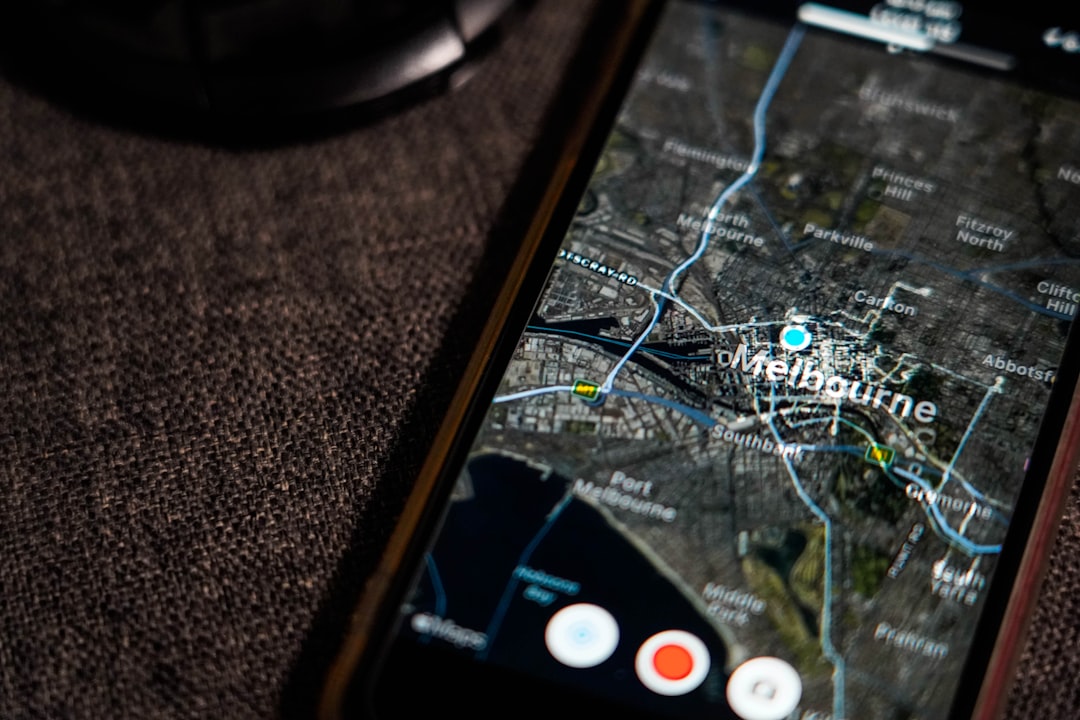
Photo by 0xk on Unsplash
Nothing makes a traveler feel more helpless than having a full phone and no signal. You step out of a station into heat, diesel, and unfamiliar traffic. The street is loud, your luggage is heavier than it felt at home, and the tiny blue dot that normally tells you where to go is suddenly gone. That is the moment an offline maps app stops being a nice idea and becomes the difference between calm and chaos.
Google Maps is still the best first choice for most urban trips because it handles neighborhoods, public transport, reviews, and saved pins elegantly. But the smartest setup is not blind loyalty to one platform. A dedicated offline maps app such as Maps.me can be better for hiking areas, coastal roads, mountain villages, or places where trail detail matters more than café reviews. Think of Google Maps as your main city brain and a second offline maps app as your field backup.
I like to prepare maps the way I prepare cash: more than I think I will need. Download the city, the airport zone, and the region around it. If you are arriving in Tokyo through HND or NRT, save your hotel, the nearest rail station, and one late-night food option. If you are landing in Lisbon, pin Rossio, Cais do Sodré, and the airport metro entrance. A good offline maps app turns arrival into a sequence of small solved problems rather than one big confused one.
A few habits make any offline maps app dramatically more useful:
- Download the full city area over Wi-Fi at home, not at the airport.
- Save hotels, train stations, airports, embassies, and at least one pharmacy.
- Create a list for coffee, food, viewpoints, and emergency basics.
- Add screenshots of key routes in case your offline maps app behaves oddly.
- Use labels such as Day 1, rain plan, and late-night food so saved pins stay readable.
- Keep one offline maps app for cities and another for remote routes if you are hiking or road-tripping.
For urban travelers, transit layers matter almost as much as walking directions. If a map can show you where the metro entrance actually sits on a big square, you save minutes and frustration. If it can tell you whether a station exit has stairs or elevators, you save your shoulders. That is where the best travel apps 2026 quietly outperform old-school planning. They remove the ugly little friction points that eat up a day.
Translation app for travel when menus, signs, and real conversations matter
Photo by PiggyBank on Unsplash
Travel gets better the moment you stop treating language as a wall. The smell of grilled fish in a market, the sound of a grandmother arguing kindly with a baker, the chalkboard special outside a tiny lunch counter — these are invitations, not obstacles, if you have a good translation app for travel. You do not need perfect grammar. You need enough understanding to choose, ask, thank, and smile without panic.
Google Translate remains the most practical translation app for travel for most people because its camera feature is so useful in everyday situations. Point it at a menu in Osaka, a notice at a train platform in Budapest, or a museum sign in Athens, and your odds of making a good decision rise instantly. It becomes even better once you download offline language packs before departure.
That said, a translation app for travel works best when you use it with a little humility. Short phrases beat full speeches. Clear nouns beat slang. And nothing opens doors faster than learning five local words on your own: hello, thank you, please, excuse me, and how much. The app is there to smooth the gap, not to replace your effort.
Use a translation app for travel in these moments:
- Reading menus, allergy notes, and ingredient lists.
- Checking train platform changes and station notices.
- Translating addresses for taxi drivers or hotel staff.
- Showing a pharmacy symptom description when you are tired and flustered.
- Saving essential phrases offline before landing.
There is also a strategic side to language. A good translation app for travel can help you avoid tourist autopilot. You can read neighborhood reviews in the local language, understand whether a restaurant is known for lunch instead of dinner, and catch details that English-only listings miss. In that sense, the best travel apps 2026 do more than reduce stress. They deepen access.
Flight tracker app choices that beat terminal screens
Every frequent flyer knows the mood of an airport just before bad news spreads. People start glancing up together. Suitcases remain still. An airline desk line thickens before the official announcement appears. That tiny lag between reality and the information on the big board is where a strong flight tracker app earns its reputation.
Flighty has become a favorite among frequent travelers because it often pushes gate changes, inbound aircraft delays, and schedule disruptions faster than the airline app itself. That speed matters more than it sounds. If your departure at JFK shifts from one concourse to another, ten minutes can be the difference between buying water and sprinting with your backpack half-zipped. A dedicated flight tracker app is especially valuable on multi-leg trips, winter travel days, and tight connections.
TripIt solves a different problem. Instead of focusing on just one flight, it gathers your confirmations and builds a readable itinerary. Hotels, trains, flights, booking numbers, check-in times — all in one place. If your phone becomes your whole trip folder, TripIt keeps the folder from exploding. The best travel apps 2026 usually work together like this: one tool for alerts, one for organization, one for the booking itself.
Here is the simple hierarchy I recommend:
- Use the airline app for check-in, boarding passes, and official rebooking options.
- Use a flight tracker app for faster operational alerts and gate updates.
- Use TripIt or a similar organizer to keep every booking in one timeline.
- Screenshot boarding passes anyway for low-signal moments.
If long flights wear you down, pair your digital toolkit with a better in-flight routine. Long-Haul Flight Routine 2026: Sleep Better in Economy is a useful companion once the logistics are under control.
A good flight tracker app also helps you read risk before it becomes a crisis. If the incoming aircraft is delayed on the previous leg, you know your schedule may wobble. If weather systems are building over Frankfurt or Atlanta, you can move earlier toward your gate. That kind of awareness creates the calm that makes seasoned travelers look lucky.
Travel money app choices for fees, cash, and currency confusion
There is a particular sting to watching your budget leak away in tiny invisible fees. It happens in airport exchange booths with brutal rates, in foreign ATM screens that push bad conversions, and in card transactions that look harmless until you check them later. A reliable travel money app keeps those losses visible, and visibility is half the battle.
Wise is the travel money app I recommend most often for international spending because it handles conversions cleanly and makes rates understandable. When you can hold balances, transfer funds, and spend in local currency without guessing where the bank margin is hiding, you make better decisions on the ground. Pair it with XE Currency for fast reference and you have a simple, effective financial setup.
A travel money app is not glamorous, but it changes behavior. In a market in Marrakech, you stop pretending to do mental math with a rate you only half remember. In a café in Prague, you catch a dynamic currency conversion screen before it nudges you into paying in your home currency. In Mexico City, you know whether that ATM fee is merely annoying or totally unreasonable. The best travel apps 2026 are often the ones that save money so quietly you barely notice they did it.
Use a travel money app like this:
- Load or transfer money before you fly, when you are calm and on secure Wi-Fi.
- Always choose to pay in local currency when using a card abroad.
- Use XE or your travel money app to check whether an exchange rate looks fair.
- Withdraw larger, less frequent amounts to reduce repeated ATM fees.
- Keep a backup card in a different bag or pocket.
Here is a quick comparison for typical travelers:
| Option | Best for | Typical fee pattern | Weak spot |
|---|---|---|---|
| Wise | Day-to-day foreign spending | Low conversion markup, transparent | Not every country supports every feature |
| Traditional bank debit card | Convenience | Can include foreign transaction and ATM fees | Often poor exchange terms |
| Airport exchange desk | Immediate cash | Usually expensive rates | Almost never the best value |
| XE Currency | Reference only | Free app | Does not replace a payment method |
A travel money app also makes budgeting emotionally easier. You do not feel like every purchase is a mystery. If you want deeper protection habits around card use, public Wi-Fi, and suspicious payment requests, Travel Fraud Prevention Tips 2026: A Scam-Proof Trip Plan fits naturally beside this section.
eSIM travel app setup before you land
The first minutes after arrival are usually when you need data most. You need to message someone, request a ride, load a route, or find the train platform before the crowd disperses. Yet this is exactly when many travelers stand in a fluorescent arrivals hall, hunting for a SIM kiosk with jet-lagged eyes. A solid eSIM travel app removes that entire scene.
Airalo is the most widely useful eSIM travel app for many destinations because it lets you buy data plans before departure and activate them digitally on compatible phones. Holafly and Nomad can also work well depending on destination and data habits. The point is not brand loyalty. The point is landing with connectivity already solved.
A good eSIM travel app changes your first hour in a place. You can call up your hotel booking, watch the train platform update in real time, summon a licensed taxi, or text your host without begging for airport Wi-Fi. In 2026, data is not a luxury travel extra. It is the infrastructure underneath the rest of your phone.
Set up an eSIM travel app with this checklist:
- Check that your phone is eSIM compatible and unlocked.
- Buy the plan before departure and read the activation steps carefully.
- Screenshot the QR code and setup instructions.
- Turn on data roaming only for the eSIM line if the provider requires it.
- Test that the eSIM travel app plan activates before you leave the airport.
If you are traveling slowly across borders, compare regional plans against country-specific ones. If you are taking a short city break, buy only the data you realistically use. Streaming video in hotel rooms can burn through plans quickly. The best travel apps 2026 become expensive if you pair them with careless data habits.
Safety, backup, and calm-under-pressure apps
Not every useful travel app is exciting. Some of the most valuable ones never open until something goes wrong. A storm delays ferries. A passport disappears. Protests close a central square. Your bank flags a purchase. In those moments, the travelers who cope best are usually the ones with boring backups already in place.
For U.S. travelers, STEP is worth the five minutes it takes to register a trip. For everyone, secure cloud storage for passport scans, insurance documents, and hotel confirmations is basic modern travel hygiene. Add an encrypted notes app or password manager, a messaging platform you know your contacts use, and a VPN for public Wi-Fi. Suddenly your phone is not just convenient; it is resilient.
The best travel apps 2026 are not only about speed. They are about recovery. If a device fails, can you still reach your documents? If your wallet vanishes, can you freeze a card quickly? If you need help, can you share your location accurately? A calm traveler is rarely a naturally calm person. More often, they prepared properly.
Keep these backup tools ready:
- STEP for official alerts if you are a U.S. traveler: https://step.state.gov
- Secure cloud folder with passport, visa, insurance, and booking copies
- Password manager with offline access enabled where possible
- Messaging app commonly used at your destination, often WhatsApp
- VPN for hotel and airport public Wi-Fi
- Medical note with allergies, medications, and emergency contacts
For solo travelers, this setup matters even more. First Solo Trip Guide 2026: Safe Routines for Going Abroad pairs well with a careful app strategy because independence feels much lighter when your contingencies are simple.
How to get there: transport apps for planes, trains, buses, ferries, and road trips
Travel logistics are not one problem; they are a chain of tiny handoffs. Airplane to train. Train to metro. Metro to short walk. Ferry to taxi. Rental car to hotel parking. The best travel apps 2026 shine when they smooth those handoffs, especially across different modes of transport.
This is where travelers often over-focus on flight search and under-prepare for everything after landing. Yet the last 20 kilometers of a trip are often the messiest. Knowing the airport code is not enough. You need to know whether the airport train runs late, whether the ferry port has multiple terminals, whether the bus app accepts foreign cards, and whether the route from the station to the hotel climbs a steep hill with cobblestones.
Use this transport snapshot as a practical reference for common routes and the app types that help most.
| Mode | Real route example | Typical duration | Typical cost | Best app pairing | Official link |
|---|---|---|---|---|---|
| Air | New York JFK to London LHR | 7-8 hours | $450-$900 return economy | Flighty + airline app + TripIt | https://www.jfkairport.com |
| Train | London St Pancras to Paris Gare du Nord | 2h 18m | From about £39 one way | Eurostar app + Google Maps | https://www.eurostar.com |
| Train | Tokyo Station to Kyoto Station on Nozomi | about 2h 15m | Around JPY 14,000 | SmartEX or JR tools + offline maps app | https://smart-ex.jp/en/index.php |
| Bus | Madrid South Station to Seville Plaza de Armas | 6-7 hours | About €25-€45 | ALSA app + Google Maps | https://www.alsa.com |
| Ferry | Piraeus to Santorini | 5-8 hours | About €46-€89 | Ferryhopper + port screenshots | https://www.ferryhopper.com |
| Rail from airport | FCO Rome Airport to Roma Termini | about 32 minutes | €14 | Trenitalia + offline maps app | https://www.trenitalia.com |
| Road trip | Milan to Como by car | about 1 hour | Fuel + tolls | Google Maps or Waze + travel money app | https://www.autostrade.it |
| Rail from airport | Amsterdam Schiphol AMS to Centraal | 15-20 minutes | about €5-€7 | NS app + Google Maps | https://www.ns.nl/en |
A few practical rules make these journeys smoother:
- Save airport codes and station names exactly as written in your booking.
- If a city has multiple airports, pin the right one before departure.
- Keep one offline maps app route saved from airport to hotel.
- Screenshot train QR codes because station tunnels and platforms can kill signal.
- For ferries, check port terminal names carefully — large ports can be confusing.
- On road trips, download maps for mountain or coastal stretches where signal drops.
The best travel apps 2026 are especially good at turning complex arrival chains into manageable sequences. Instead of thinking, I have to cross a city I do not know, you think, I need platform 3, then Metro Line A, then a 6-minute walk. That shift alone saves energy.
Things to do: discovery apps that save you from generic itineraries
A city is rarely most itself at its most famous. It is in the side market under the station arches, the tiny ceramics shop on a lane no tour bus reaches, the stairs that open onto an evening view, the neighborhood bar where everyone orders the same two snacks. Discovery apps help you find that layer without spending three hours lost in mediocre listicles.
Atlas Obscura is excellent for unusual, specific finds. Google Maps is still unbeatable for practical neighborhood browsing and checking whether something is actually open. Ticketing platforms can be useful for timed-entry attractions when you need certainty, but I would never let them dictate the whole day. The best travel apps 2026 should widen a trip, not make it feel prepackaged.
Here are seven specific experiences that show how app-assisted discovery can improve a real itinerary:
- Rome — Mercato Testaccio, Via Aldo Manuzio 66b
- Lisbon — Miradouro da Senhora do Monte, Graça
- Tokyo — Tokyo Ramen Street, B1 of Tokyo Station
- Mexico City — Biblioteca Vasconcelos, Buenavista
- Istanbul — Kadıköy Market area
- Singapore — Haw Par Villa, 262 Pasir Panjang Road
- Paris — Canal Saint-Martin
The strongest discovery tools are the ones that encourage texture. They help you notice neighborhoods, not just monuments. They nudge you toward market hours, side streets, and opening times, which is where travel starts to feel personal.
Where to stay: booking apps and accommodation choices by budget
Accommodation apps can make travelers feel oddly decisive and oddly blind at the same time. With enough filters, every place starts to look convincing. The trick is to use booking tools to narrow the field, then slow down and read for patterns: noise complaints, weak showers, cold rooms, poor air-conditioning, sketchy locations, or glowing comments about staff and breakfast. The best travel apps 2026 help you compare fast, but the final choice still rewards patience.
For most trips, I search on Booking.com because the global inventory is broad and the filters are useful, especially for free cancellation, review score, and neighborhood. Then I check whether booking direct with the property offers better flexibility. For apartments, Airbnb can still work well when you need a kitchen or more space, but I am stricter about review volume than I used to be.
Here are sensible accommodation styles by budget tier, with realistic price ranges that work in many major destinations outside peak-event dates:
| Budget tier | Suggestions | Typical nightly range | Best for |
|---|---|---|---|
| Budget | Generator hostels, YHA/HI hostels, private rooms on Booking.com | $30-$90 | Solo travelers, short city breaks, social stays |
| Budget | Meininger-style hybrid hostel-hotels | $55-$110 | Couples or friends who want private rooms without high rates |
| Mid-range | Motel One, Premier Inn city centers, locally run 3-star hotels | $90-$180 | Reliable comfort and strong value |
| Mid-range | CitizenM, Sonder, Citadines | $140-$260 | Design, tech convenience, longer city stays |
| Luxury | Four Seasons, Mandarin Oriental, Peninsula | $650-$1,200+ | Service-led city breaks and special trips |
| Luxury | Aman, Rosewood, top independent boutique hotels | $900-$1,500+ | Destination stays with strong sense of place |
Look for these details before booking:
- Exact walking time to metro or rail, not just neighborhood name.
- Lift access if you have heavy luggage or mobility needs.
- Air-conditioning quality in hot months.
- Wi-Fi comments from recent guests.
- Noise complaints, especially near nightlife streets.
- Check-in hours if you arrive late.
If your luggage plan is still unresolved, Pack Everything in a Carry-On in 2026 Without Outfit Panic is worth reading before you book a fifth-floor walk-up with no elevator.
Where to eat: the apps that lead to better meals, not just popular ones
Bad travel meals are often not about food quality. They happen because you are tired, over-hungry, and standing in the most obvious place at the wrong time. Great meals, by contrast, often come from a tiny bit of preparation: a saved pin, a translated menu, a note about when locals actually eat, a backup option around the corner. The best travel apps 2026 help you stack the odds in your favor.
Google Maps remains the best broad food tool because it combines hours, location, reviews, and photos in one glance. A translation app for travel is essential once you move beyond English-friendly menus. For reservations in busy cities, local platforms or restaurant websites matter more than global trends. The goal is not just to eat well, but to eat in a way that matches the rhythm of the place.
Try these food-focused examples on real trips:
- Lisbon: eat a bifana at O Trevo in Chiado, then browse nearby tascas and pastry spots on foot.
- Bangkok: use map pins to compare late-night options around Yaowarat for noodles, grilled seafood, and desserts.
- Rome: head toward Testaccio for trapizzino, supplì, and Roman classics rather than settling near major landmarks.
- Tokyo: use a translation app for travel to navigate ramen ticket machines, izakaya menus, and convenience-store labels.
- Istanbul: search around Kadıköy and Karaköy for meze, simit, börek, and fish sandwiches.
- Mexico City: pin taco al pastor spots such as El Vilsito and check going times before you set out.
A translation app for travel is especially valuable for food because details matter. Broth versus sauce. Pork versus beef. Peanuts. Raw shellfish. Fermented shrimp. Tiny differences can transform a meal from memorable to miserable if you do not understand what you are ordering. Good apps do not remove serendipity; they make it safer and more informed.
Practical tips for using the best travel apps 2026 without killing your battery, data, or patience
A good digital setup should feel nearly invisible once the trip begins. If you are constantly recharging, re-downloading, or re-entering passwords, the system is too fragile. The best travel apps 2026 work when you prepare once and then let them fade into the background while the actual place takes over.
Weather, season, and trip style all affect how you should build that setup. A summer city break drains battery with navigation, photos, and bright screens. A winter rail journey adds the risk of delays and missed connections. A humid tropical trip makes waterproofing and portable charging more important. A shoulder-season Europe itinerary may need stronger train tools, while island hopping in Greece or the Philippines demands better ferry and weather awareness.
Here is the pre-trip checklist I use before almost any departure. I usually sketch the first version in notes, then shape the final trip flow in TravelDeck once the essentials are loaded and the timing makes sense.
Download schedule and setup table
| When | What to do | Why it matters |
|---|---|---|
| 1 week before | Install map, translation, flight, hotel, and travel money app tools | Avoid rushed logins and payment issues |
| 3 days before | Download offline maps, language packs, and boarding passes | Core info stays available without signal |
| 1 day before | Activate or prepare your eSIM travel app, screenshot QR codes | Arrival connectivity becomes simple |
| Day of departure | Charge power bank, save hotel address, pack cable and adapter | Keeps your phone useful during long transit days |
Best months and seasonal realities
- Spring and autumn: ideal for testing the full best travel apps 2026 stack because you are less likely to face extreme weather battery drain and peak crowd stress.
- High summer: expect faster battery loss from heat, maps, camera use, and brightness. Carry a power bank.
- Winter: prioritize a flight tracker app and rail apps because weather disruptions ripple quickly.
- Rainy season destinations: pack a waterproof pouch or zip bag so your phone stays usable in street downpours and boat transfers.
What to pack with your app setup
- Power bank of at least 10,000 mAh
- Universal adapter
- Charging cable plus a small backup cable
- Waterproof phone pouch for wet climates or boat trips
- Printed copy of one key booking page for true worst-case scenarios
- Compact wallet with backup card separate from main wallet
Customs, currency, and local habits
- Some countries rely heavily on messaging apps for hotel hosts, drivers, and local tours. Check what people actually use.
- A travel money app is most useful when you understand local payment habits — some places still prefer cash for small purchases.
- Not every restaurant or station has reliable Wi-Fi, so never assume you can load a ticket live.
- Learn whether ride-hailing apps are legal, restricted, or replaced by local equivalents in your destination.
Safety and connectivity habits
- Turn on two-factor authentication before you leave, but store backup codes securely.
- Use a VPN on hotel and airport networks.
- Keep your eSIM travel app active and monitor data usage instead of streaming thoughtlessly.
- Share live location only with people you trust.
- Save embassy details and emergency numbers locally.
A few final truths are worth remembering. Your offline maps app should be tested before takeoff. Your flight tracker app should complement, not replace, the airline app. Your travel money app should be funded before the trip, not during a queue at a foreign ATM. Your translation app for travel should have offline packs ready before wheels-up. And your eSIM travel app should be treated like arrival infrastructure, not a last-minute add-on.
FAQ
What are the best travel apps 2026 for most travelers?
For most trips, the essential mix is Google Maps, Google Translate, a flight tracker app such as Flighty, TripIt for itinerary management, a travel money app such as Wise, an eSIM travel app such as Airalo, a hotel booking app, and one discovery app like Atlas Obscura.
Which offline maps app should I use abroad?
Google Maps is still the best default offline maps app for most city trips, especially when you also need reviews and transit. Maps.me is a useful backup offline maps app for trails, rural areas, and places where detailed path coverage matters.
Is a flight tracker app really better than the airline app?
Often, yes. A dedicated flight tracker app can surface gate changes and delay patterns faster. But keep the airline app too, because it is still the official place for check-in, boarding passes, and rebooking.
What is the best travel money app for international spending?
Wise is the travel money app many frequent travelers prefer because exchange rates are easier to understand and fees are often lower than with standard bank cards. XE is a strong companion for quick rate checks.
Do I need an eSIM travel app if I already have roaming?
Not always. But an eSIM travel app can be cheaper and more flexible than carrier roaming, especially on longer trips or multi-country itineraries. It is also useful as a backup if your main provider performs poorly abroad.
What is the best translation app for travel right now?
For most travelers, Google Translate is still the most practical translation app for travel because of its camera feature, offline language packs, and quick speech translation in everyday situations.
The real secret is not downloading every promising icon in the app store. It is leaving home with a phone that already knows how to help you. When the gate changes, when the rain starts, when the menu makes no sense, when the station has six exits and only one is right, the best travel apps 2026 do their finest work quietly. They give you back your attention — which is the thing worth protecting most on any trip.